


Vector graphical design on your PC
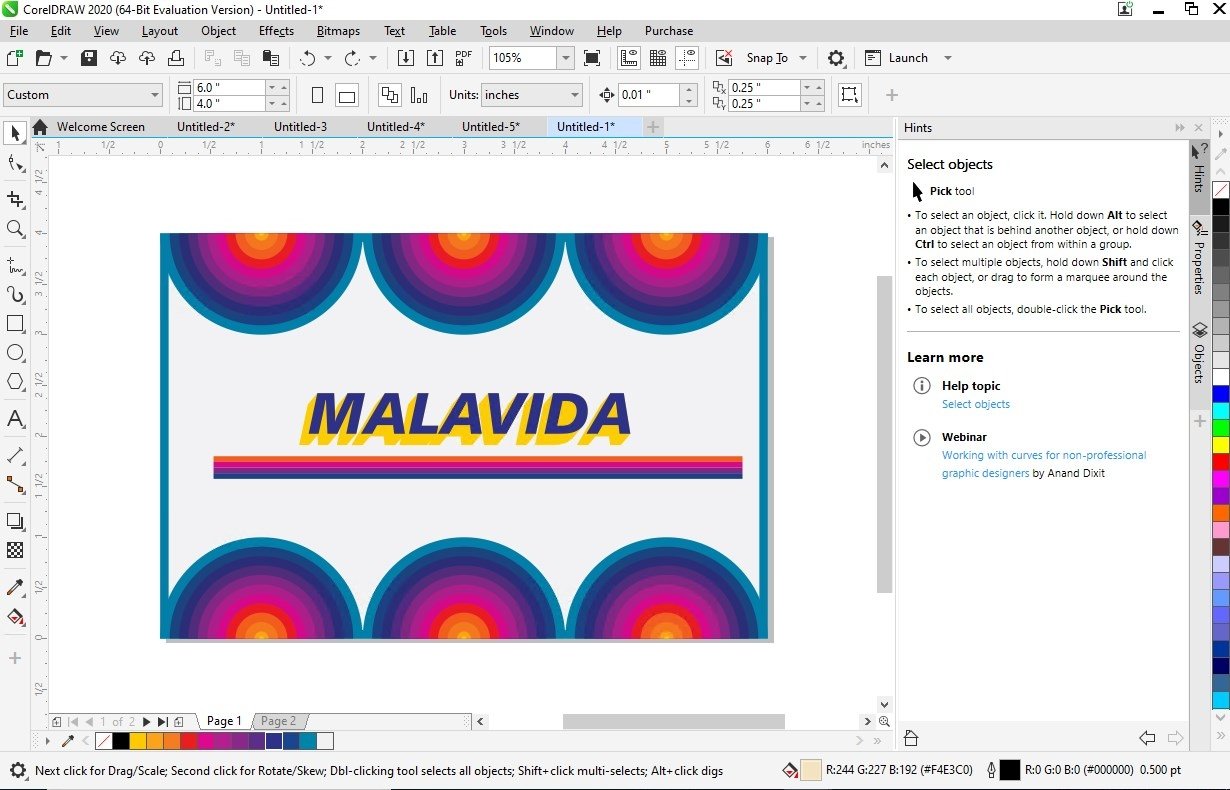
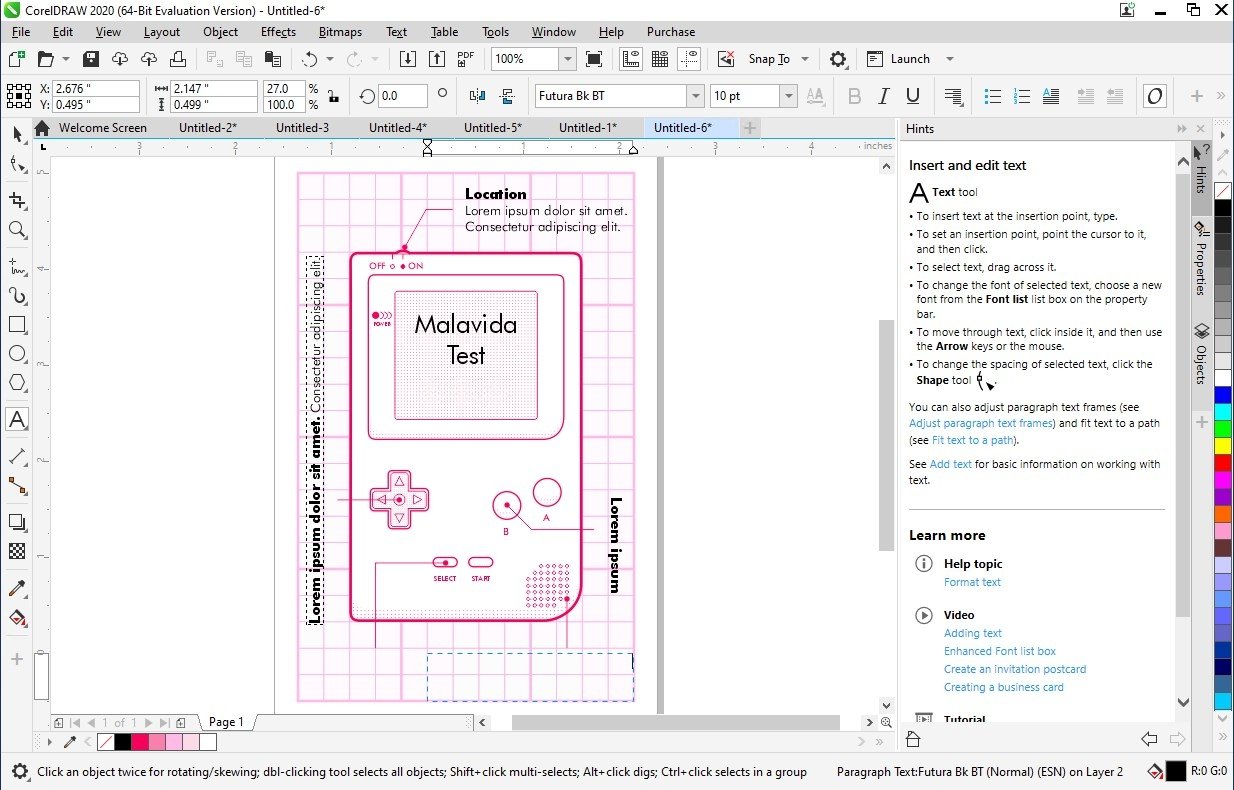
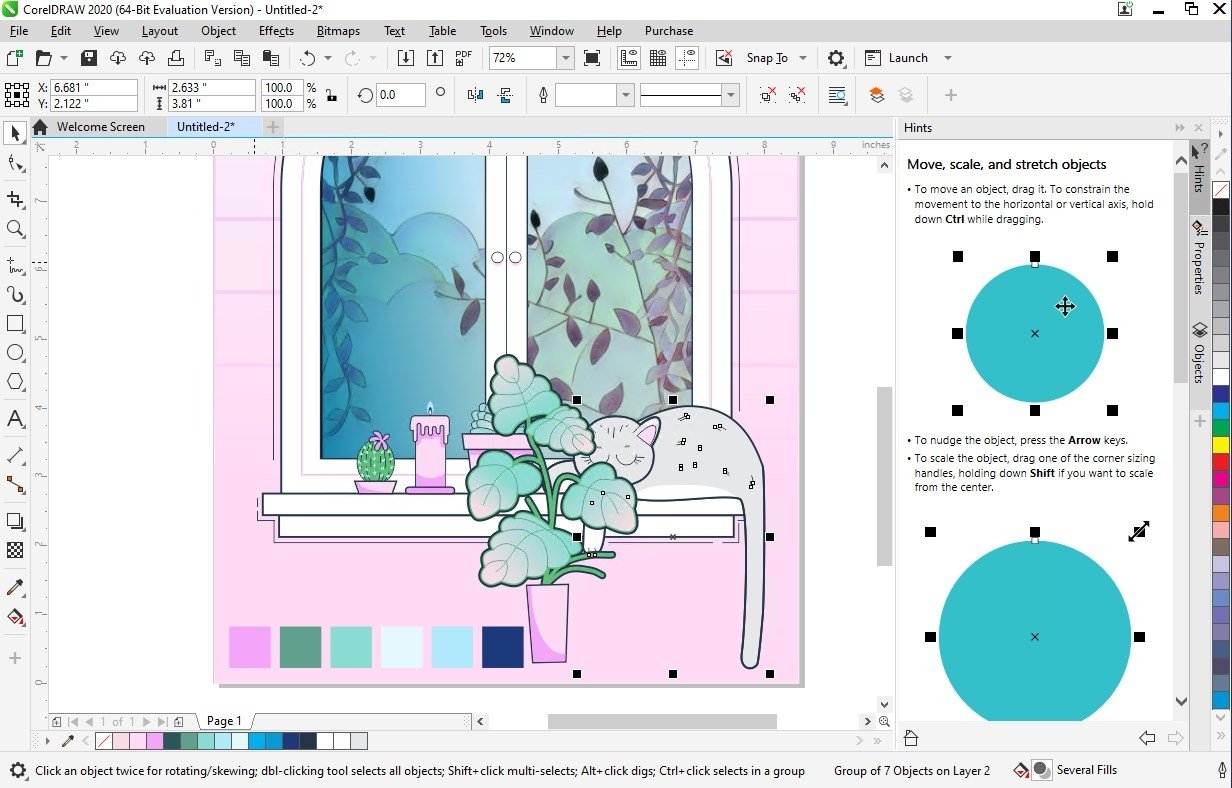
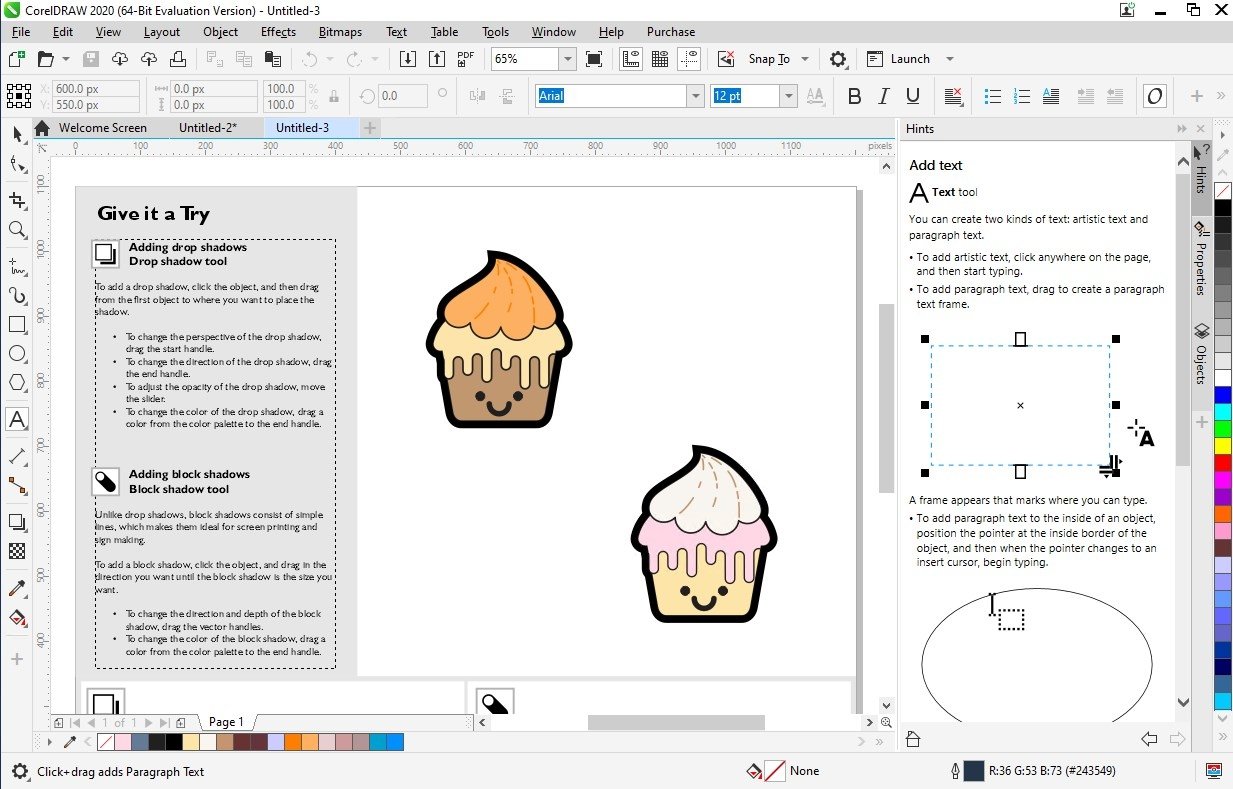
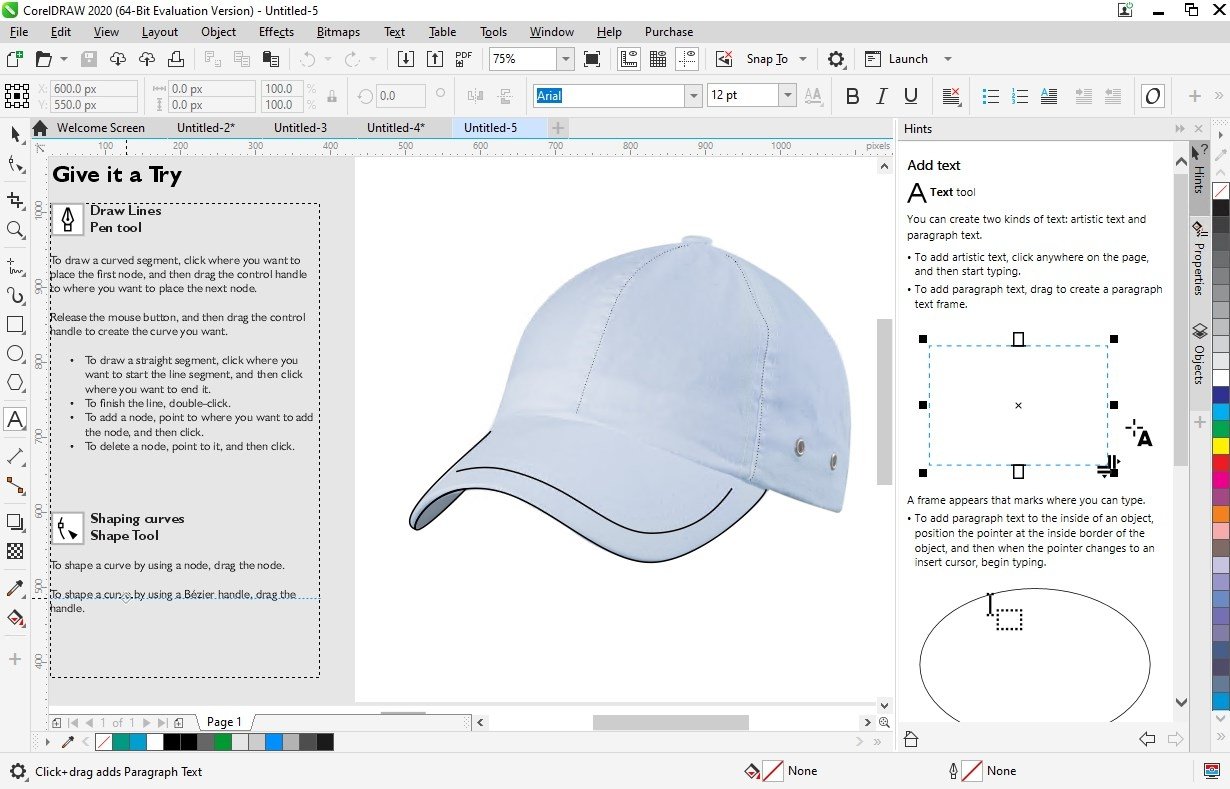
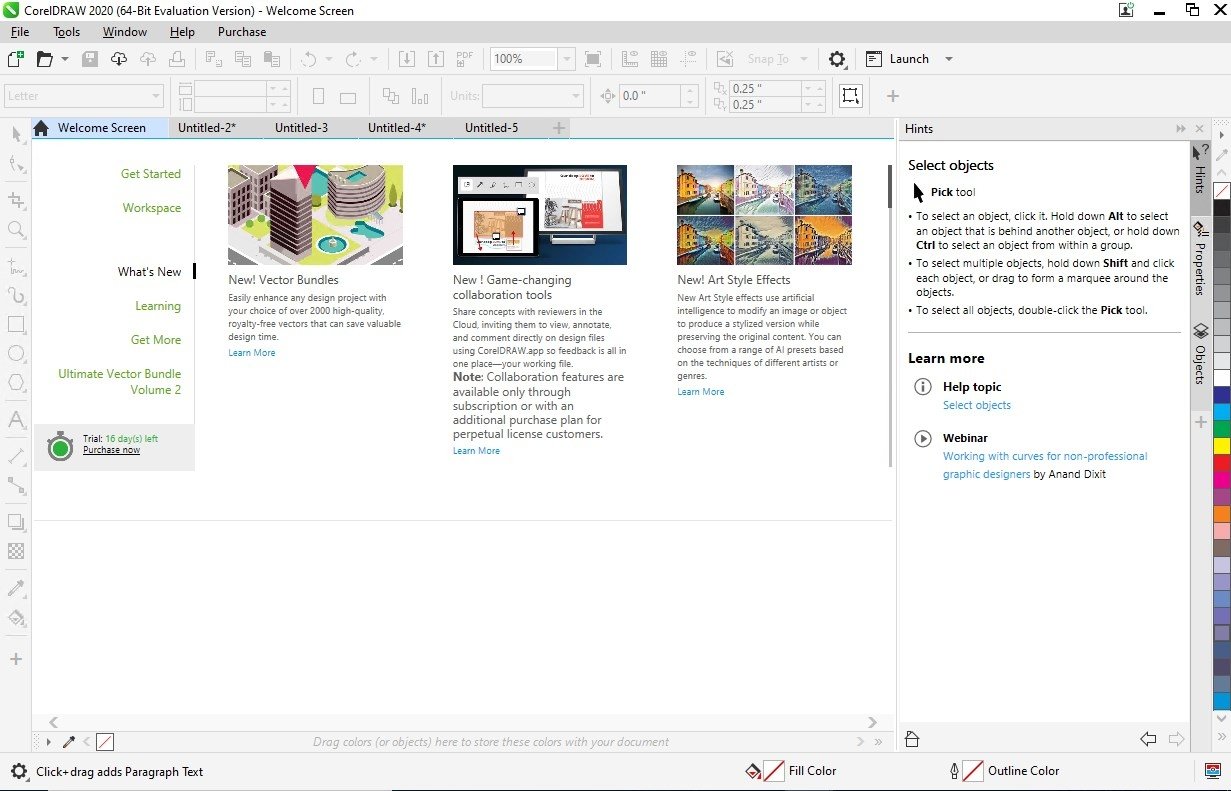
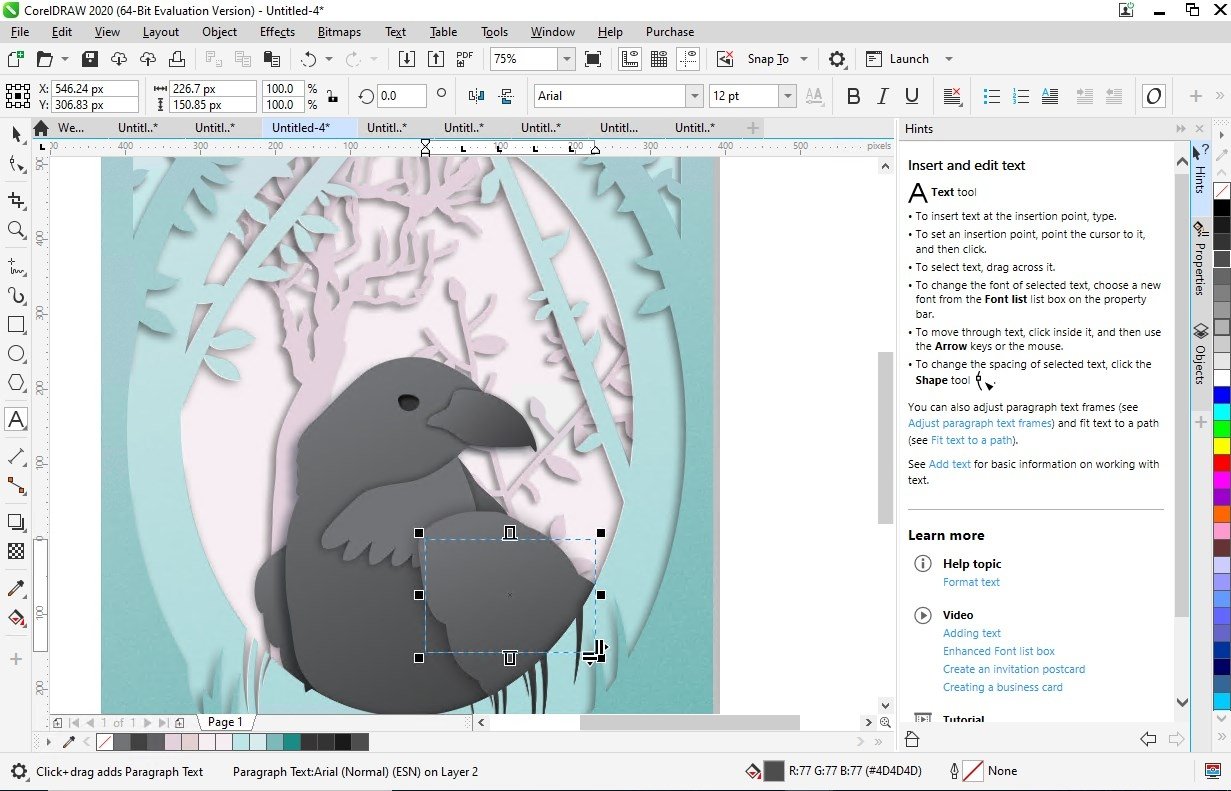
If you're looking for a vector design tool, with which you can design graphics and websites, as well as being able to edit photos, design page layouts and draw, and you're not too happy with the results offered by Adobe Illustrator, you've got to try out CorelDRAW Graphics Suite X8 and if your download CorelDRAW for PC you will have access to its star product that gives its name to this set of applications.
A great alternative to Adobe Illustrator and Inkscape.
It's an ideal tool for both beginners and graphical design professionals, as anyone can acquire the basic concepts necessary to handle this software by means of the walkthroughs and tutorials available, to soon become an expert creating logos, brochures, web charts, signs, labels, adverts or any other project that requires advanced graphical design knowledge.
Main features
Once you download CorelDRAW for PC you can make use of the following features:
- Computer application for vector graphic design and photo editing.
- Simple design of web pages compatible with CSS3 and HTML5 functions.
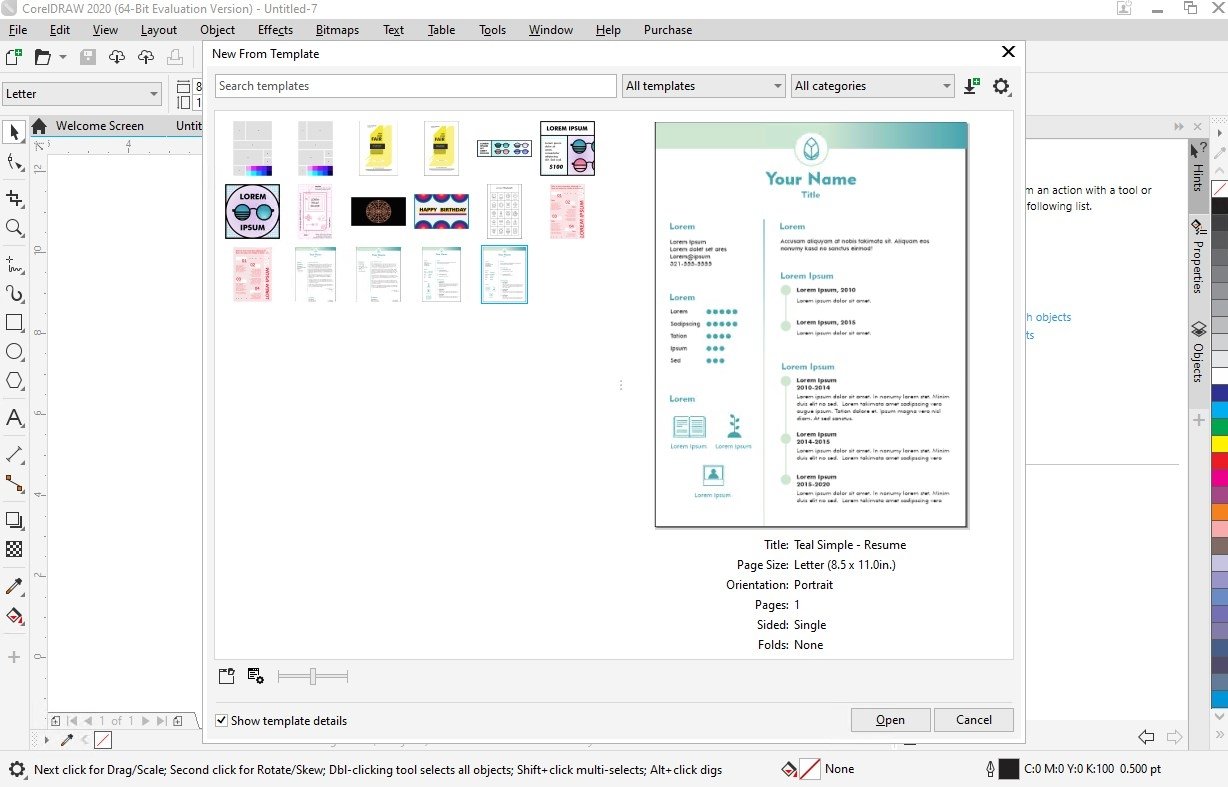
- Hundreds of templates available with which you can start shaping up any design.
- Thousands of clipart images without copyrights that can be used in the designs.
- New compatibility with several monitors and UltraHD 4K screens.
- Improved Pencil function to work with graphical tablets efficiently.
- Easily manage complex projects by means of the new Show and Hide Objects function.
- New Corel Font Manager to manage fonts, allowing you to search and filter them easily.
- Knife tool to divide any object, vector, text or bitmap along straight lines.
- New Border and Grommet function to create web adverts.
- Correct perspective distortions on photos with straight lines and flat surfaces thanks to the Straighten Image tool.
- Healing Clone tool to remove imperfections from photos and images mixing them with adjacent colors and textures.
- Compatible with over 100 different formats, including AI, PSD, PDF, JPG, PNG, SVG, DWG, DXF, EPS, TIFF, DOCX and PPT.
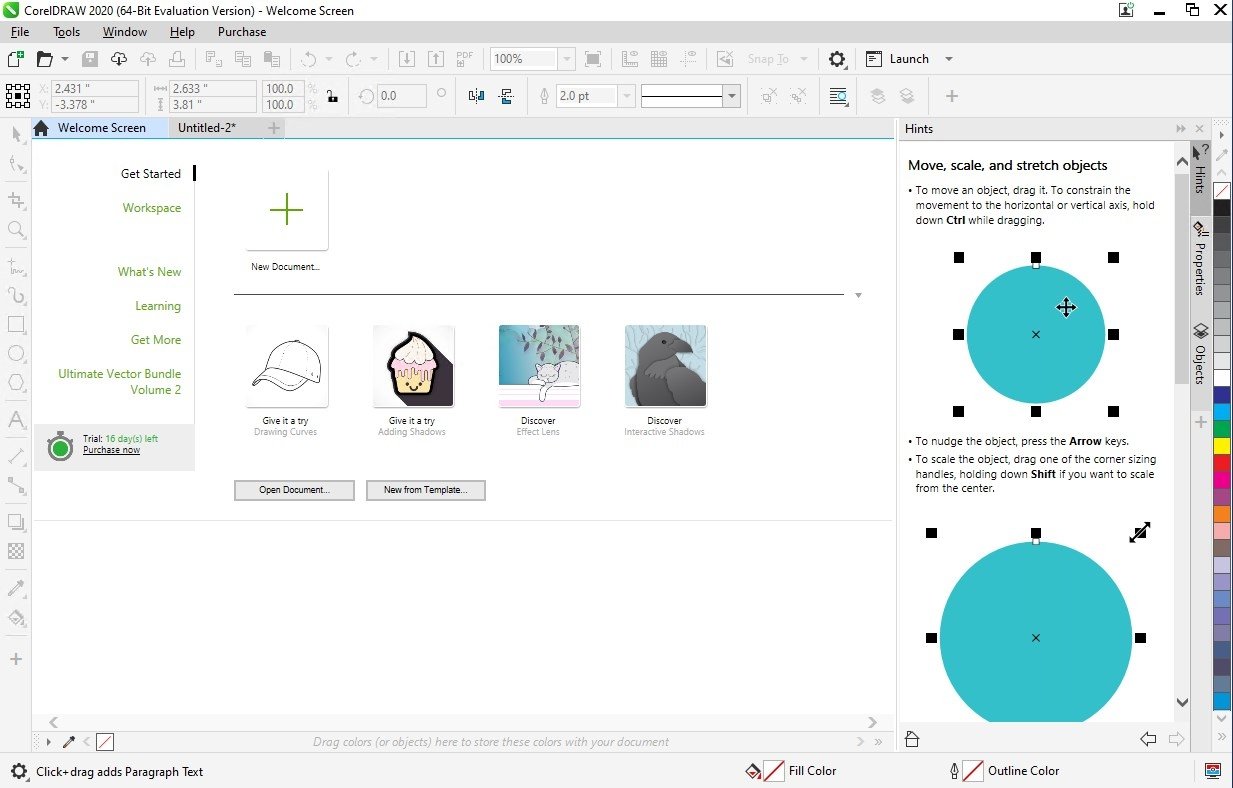
- Possibility to customize the workspace and even modify the size of the icons that grant access to different functions.
CorelDraw vs Photoshop. Which one's better?
Before doing this comparison we have to take into account that these two programs aren't equivalent. While Corel's software is a vector graphic design tool, Adobe's product is an image editor that includes photo enhancement functions. It's possible to carry out common actions on both programs, but they aren't really comparable. In any case, Photoshop would be equivalent to Corel PHOTO-PAINT.
The fairest comparison would be to put CorelDRAW up against Adobe Illustrator, the vector design program included in Creative Cloud. In this case, Illustrator may be slightly more appropriate for design professionals with advanced knowledge, while this software is suitable for beginners as well, despite offering some rather overwhelming functions.
Other tools included in this graphics suite
Graphics Suite doesn't only include the program that gives its name to this pack of graphics tools, but also other components that are equally interesting:
- Corel PHOTO-PAINT: the equivalent to Photoshop with which you can edit photos and work on bitmap images.
- Corel CAPTURE: an advanced screenshot tool with which you can manage all your screen captures.
- Corel CONNECT: a content manager and search tool to quickly find resources both locally and on the web.
- Corel Font Manager: the new font manager with which you can satisfy all your needs regarding types of fonts.
What's new in the latest version?
- Faster photo editing with the new stackable non-destructive adjustment presets.
- New personalized learning content in the new learn docker.
- New enriched functions based on direct customer suggestions, from the multipage view that helps to save time and the page improvements to the improvements to image editing and exporting.
 Elies Guzmán
With a degree in History, and later, in Documentation, I have over a decade of experience testing and writing about apps: reviews, guides, articles, news, tricks, and more. They have been countless, especially on Android, an operating system...

Antony Peel